
HDMI high-definition data cable
-
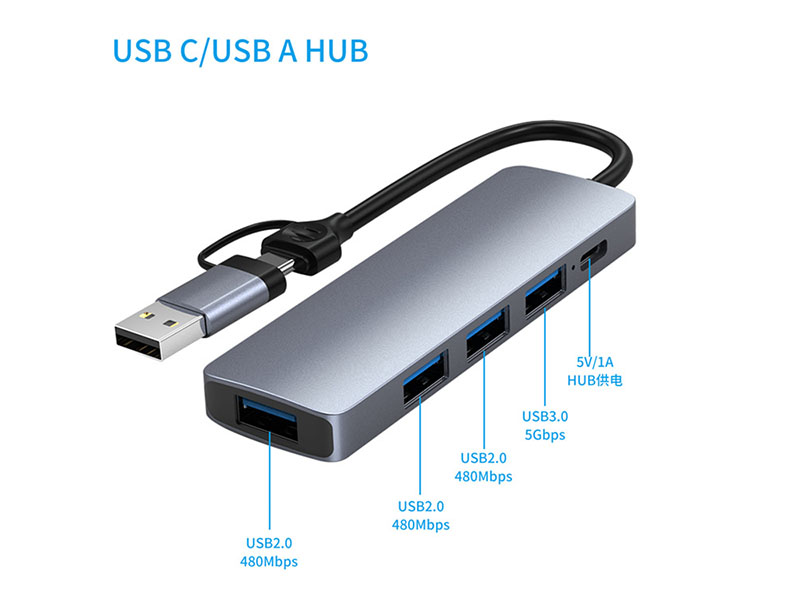
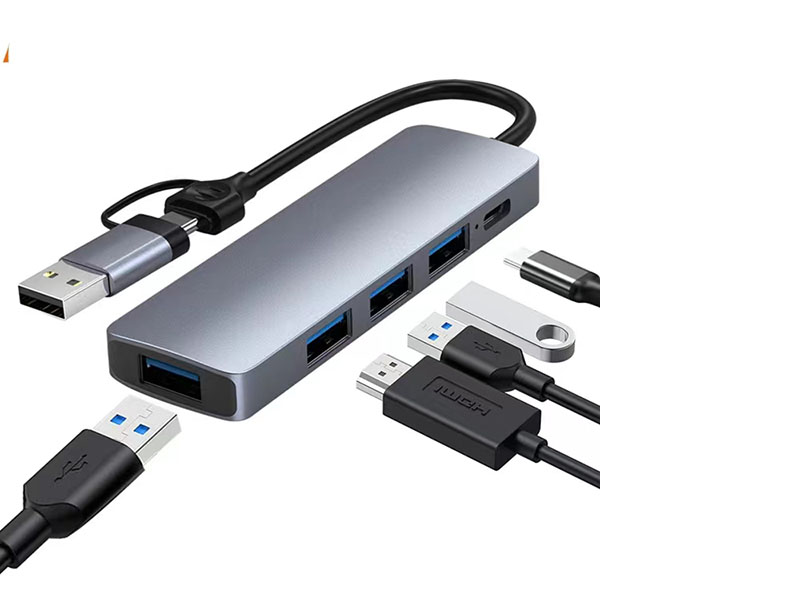 The "2 in 1" design is becoming an increasingly attractive differentiating selling point for channel customers. Traditional splitters either come with only Type-C cables or only USB-A cables, making it impossible for users to use them with different devices. However, the 2 in 1 version provides both Type-C and USB-A dual-interface cables, allowing one cable to be compatible with both old and new hosts, significantly broadening the product's application boundaries.
 -
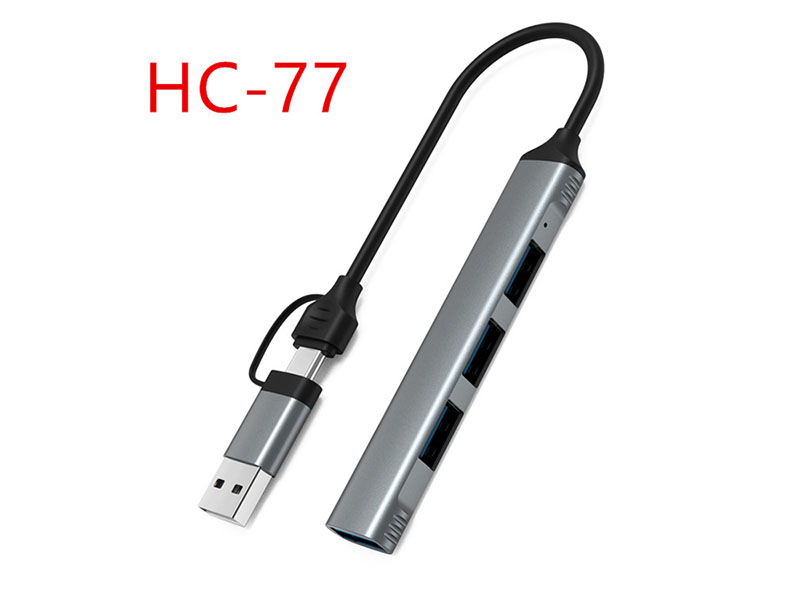
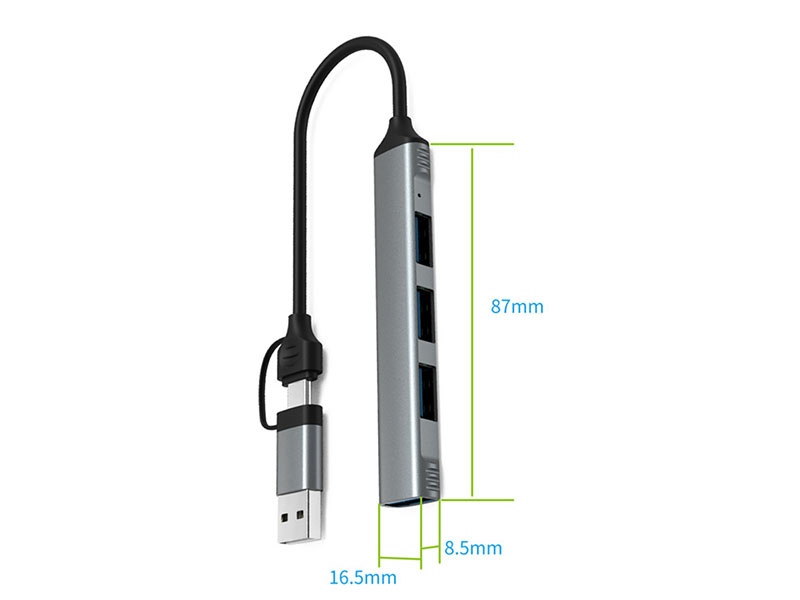 The "2 in 1" design is becoming a differentiated selling point that channel customers are paying attention to. Traditional splitters only come with Type-C cables or only USB-A cables, which means users may not be able to use them if they change devices. However, the 2 in 1 version provides both Type-C and USB-A dual-interface cables, allowing one cable to be compatible with both old and new hosts, significantly broadening the product's application boundaries and customer base.
 -
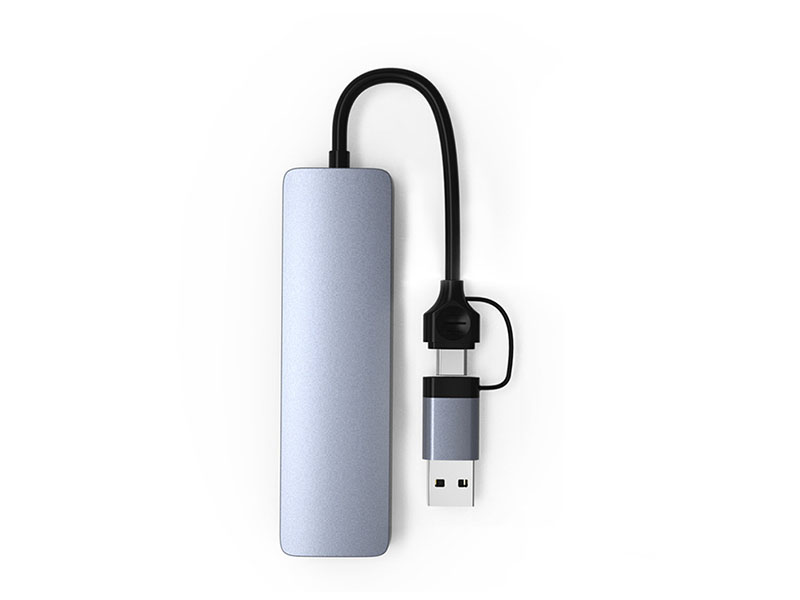
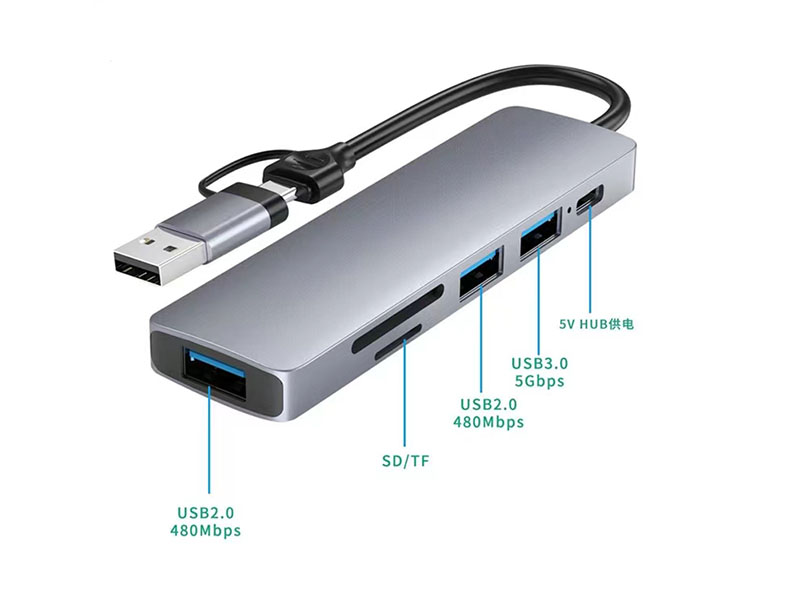 The "2 in 1" cable design is a selling point that is often underestimated. Most six-in-one extenders on the market only come equipped with a Type-C male connector, allowing connection only to new laptops and tablets. However, the 2 in 1 version offers both USB-C and USB-A interfaces, enabling compatibility with both new and old devices, significantly broadening the target customer base. The following analysis delves into the product features and core usage scenarios.
 -
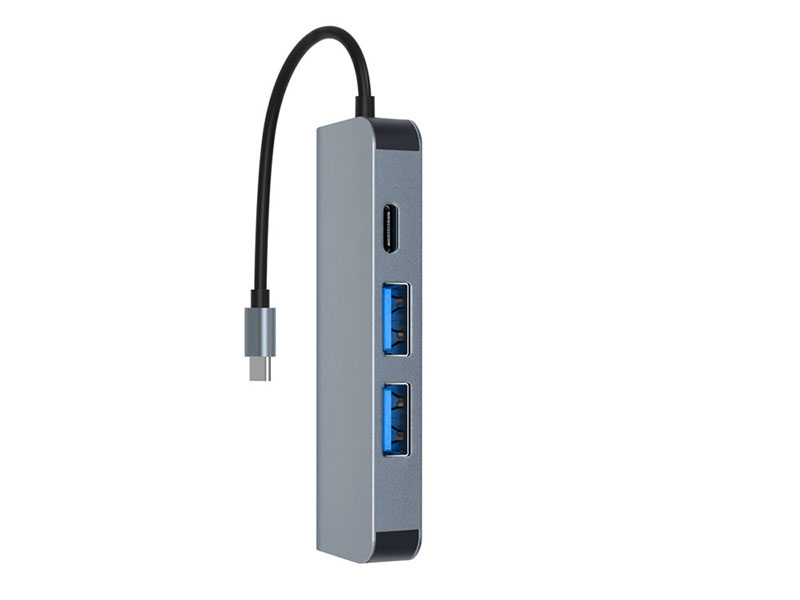
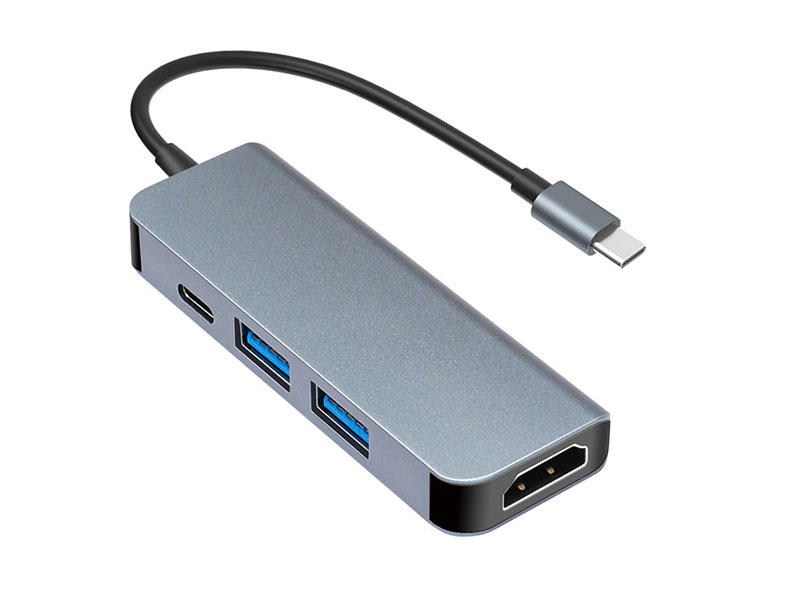 The port configuration of the 4-in-1 docking station is: 2 USB ports + 1 Type-C port + 1 HDMI port. Although this combination seems simple, the choice of each port directly affects customer experience and after-sales service rate.
 -
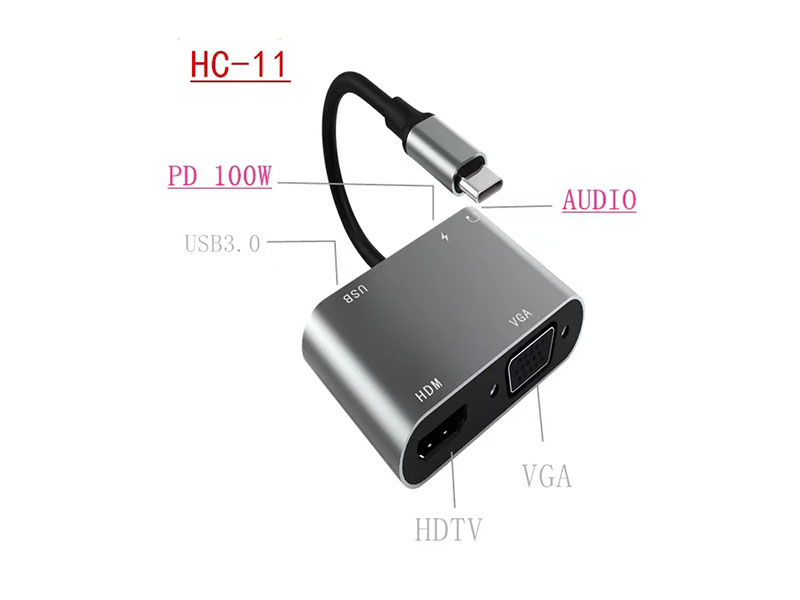
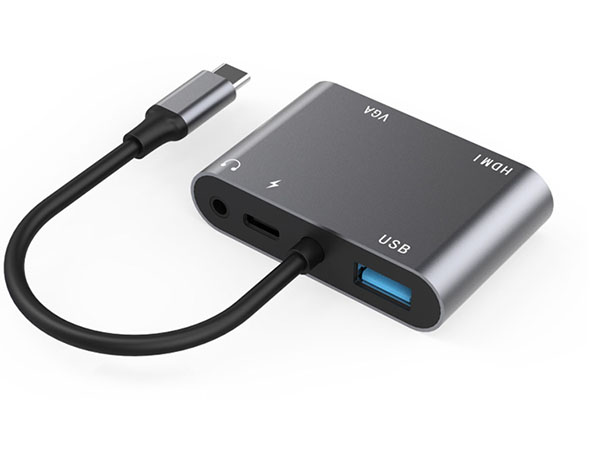 The standard port configuration of the 5-in-1 docking station is: 1 HDMI output + 1 VGA output + 1 USB 3.0 interface + 1 3.5mm audio port + 1 Type-C PD charging port. Each port selection corresponds to a specific functional orientation.